

 Facebook
 X
XOil Rigs Overlay is Now Available on ShipXplorer
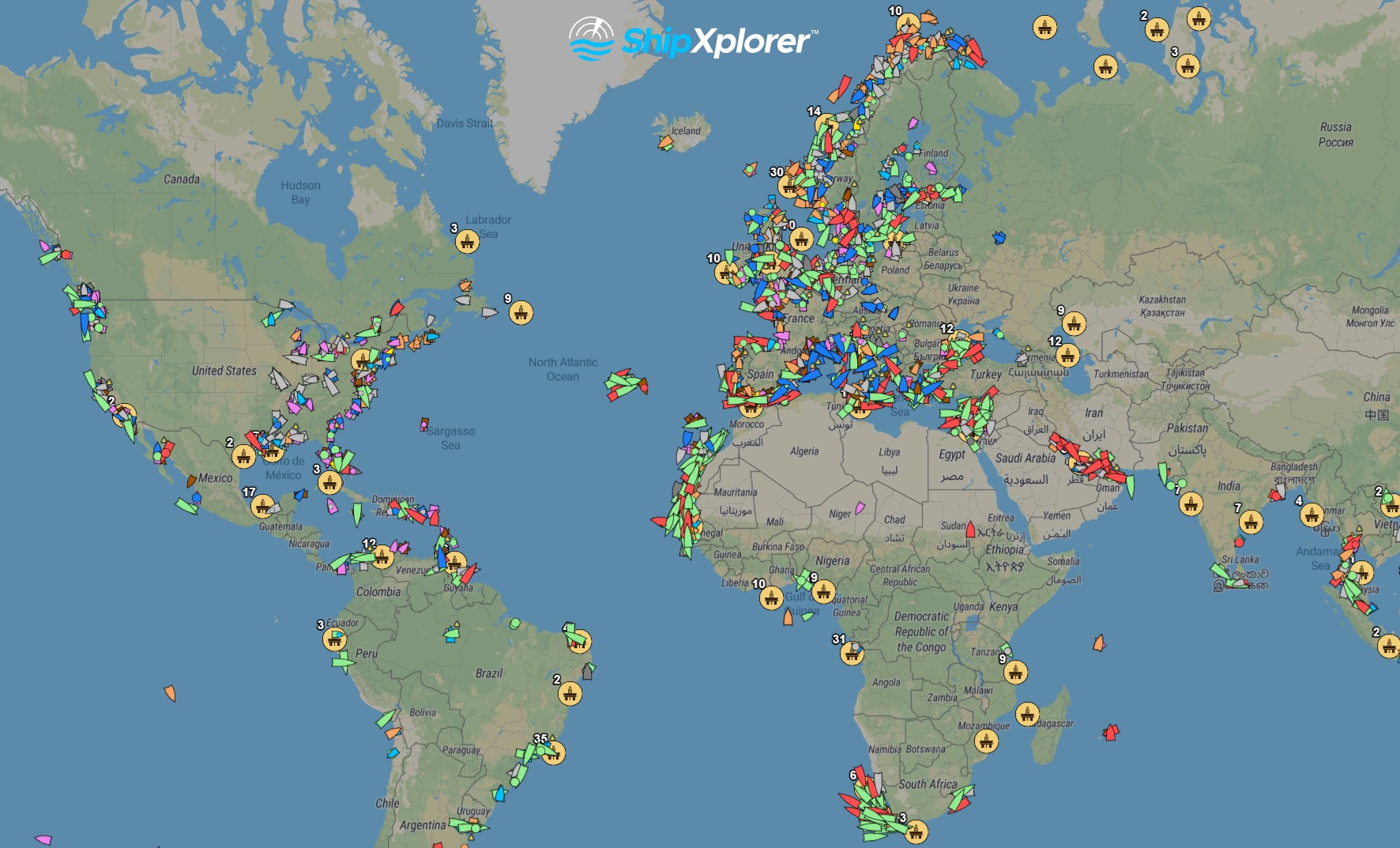
Ships & Oil Rigs Overlay Displayed on ShipXplorer.com
We’re excited to announce a brand-new feature on ShipXplorer: Oil Rigs Overlay! Now, you can easily visualize the locations of oil rigs across the globe directly on the map, making your maritime tracking and exploration even more informative.
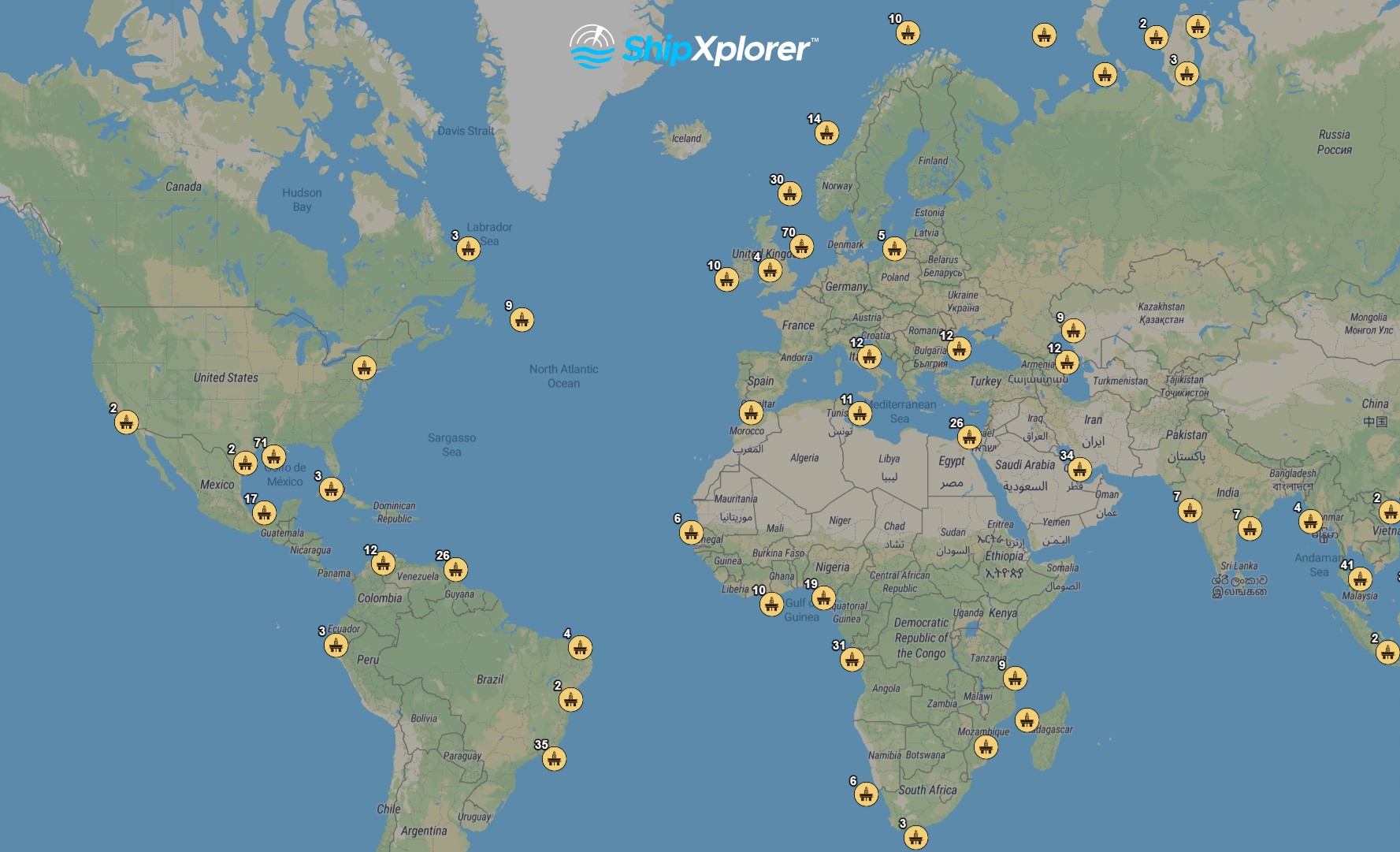
Oil Rigs Overlay Displayed on ShipXplorer.com
How to Use the Oil Rigs Overlay
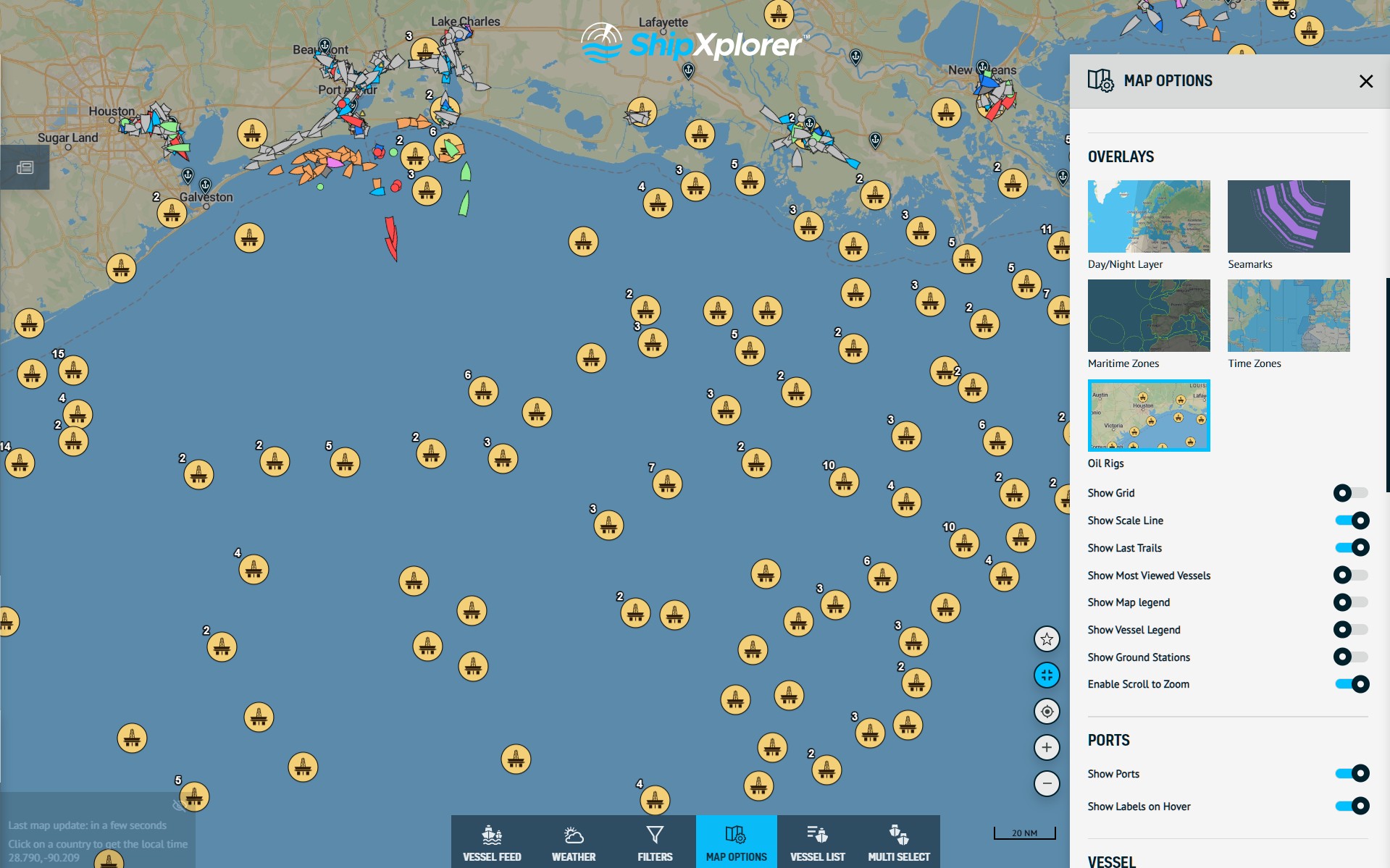
Oil Rigs Overlay Displayed on ShipXplorer.com
Using this feature is simple:
-
Open ShipXplorer and go to Map Options.
-
Navigate to Overlays.
-
Select the Oil Rigs option.
Once enabled, you’ll see all oil rigs marked on the map. Here are a couple of examples:
-
Oil rigs near Houston
-
Oil rigs near New Orleans
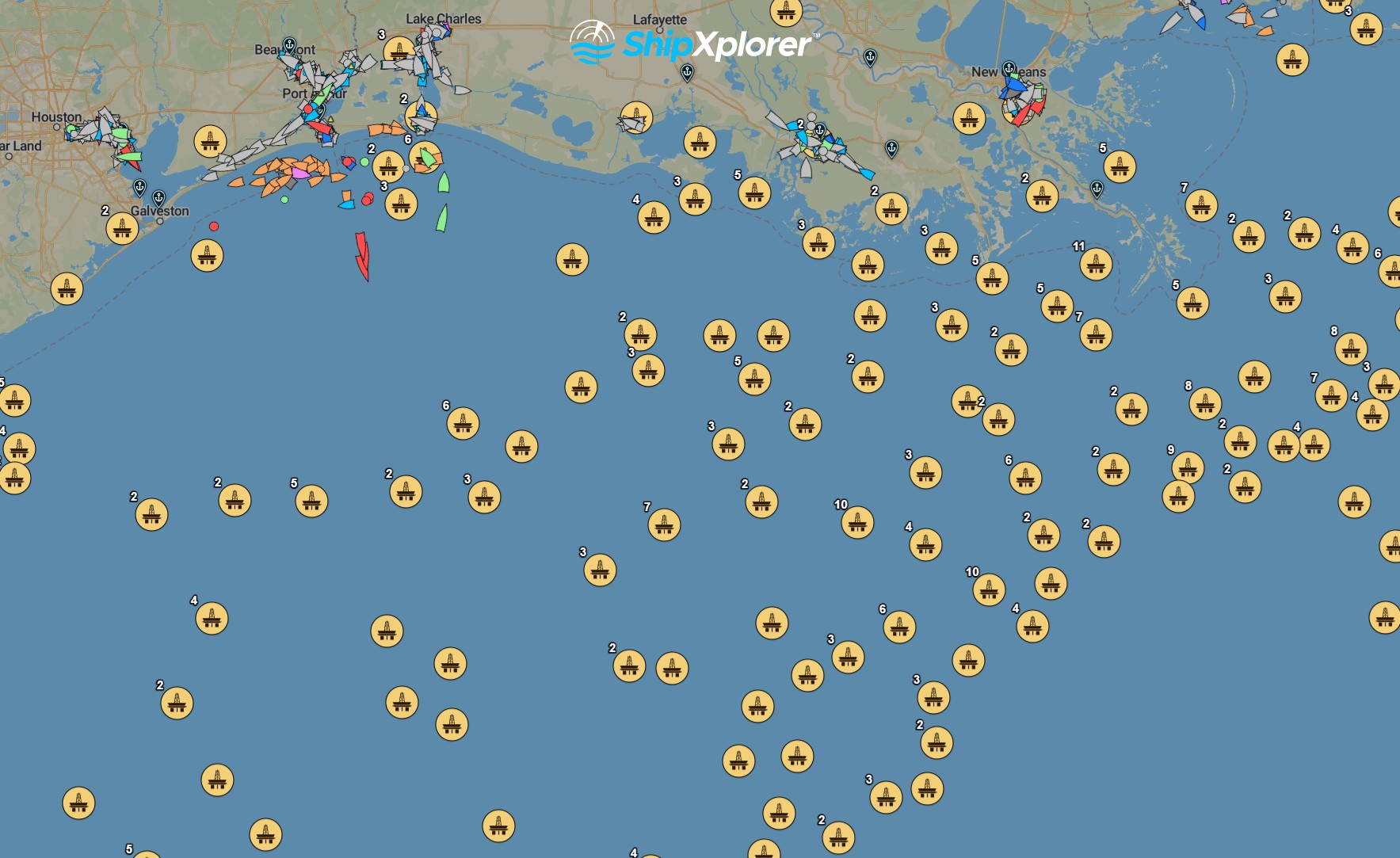
Oil Rigs Overlay Displayed on ShipXplorer.com
Explore Detailed Rig Information
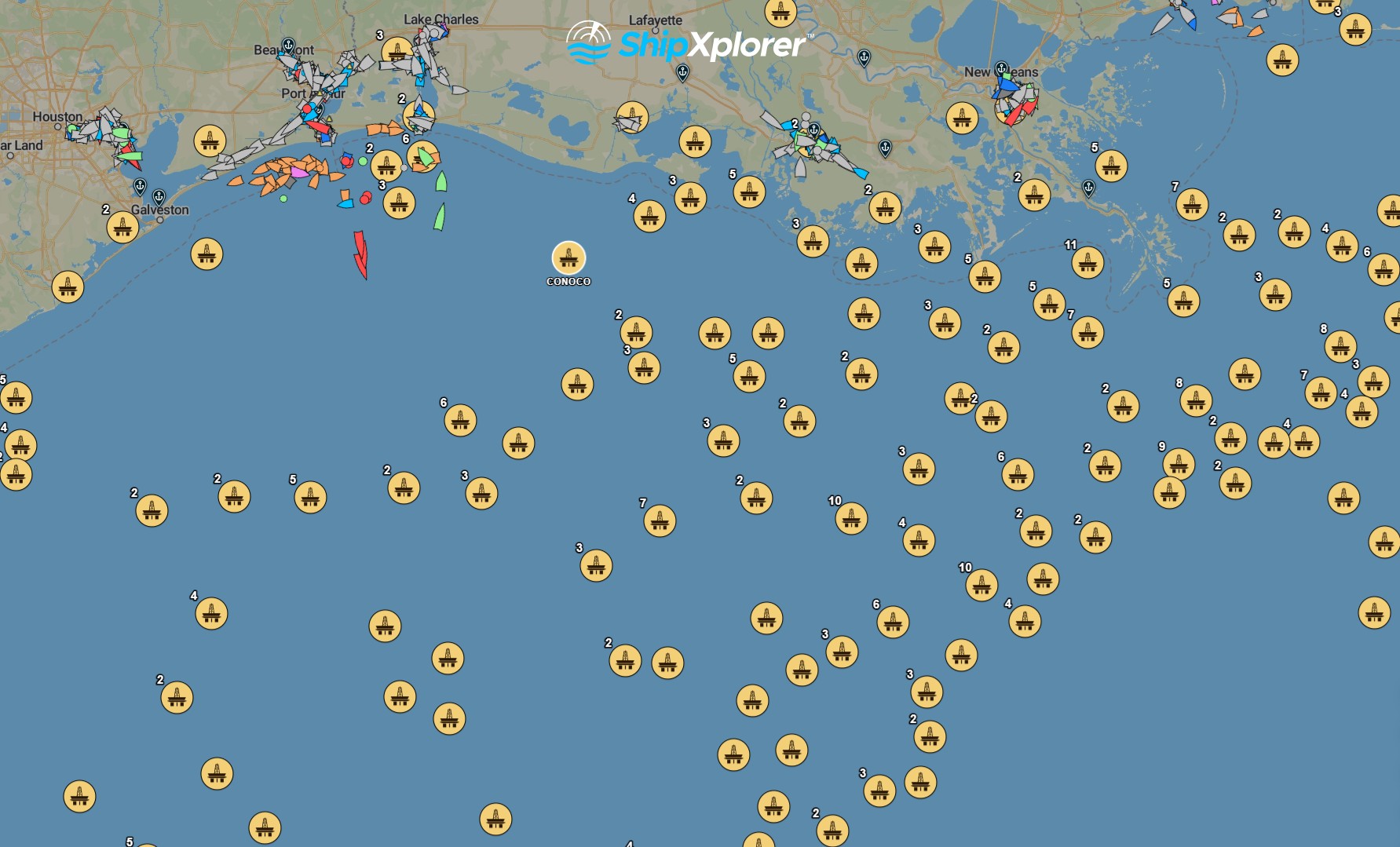
Oil Rigs Overlay Displayed on ShipXplorer.com
Oil Rigs Overlay Displayed on ShipXplorer.com
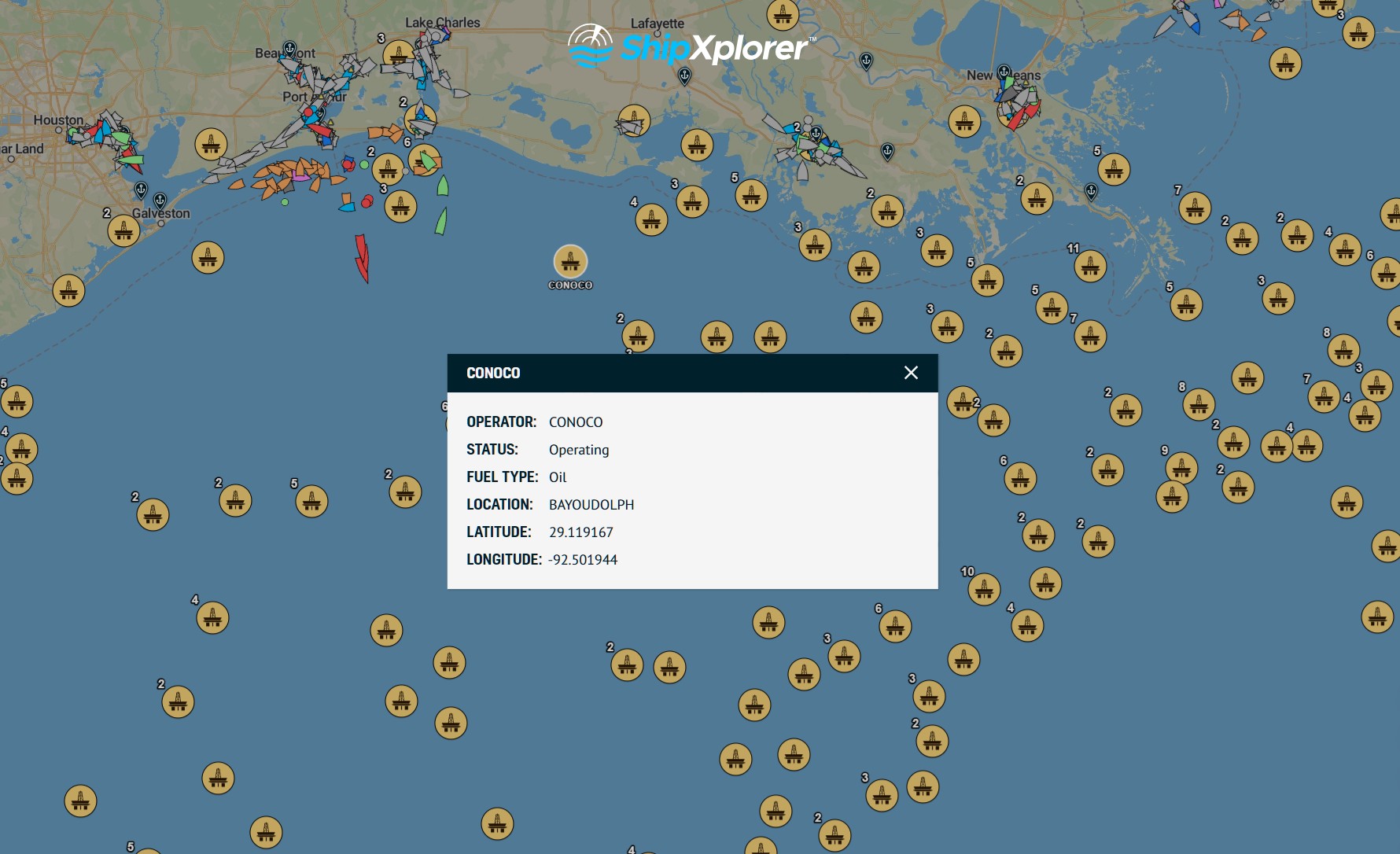
Click on any oil rig to view detailed information. For example, the CONOCO oil rig shows:
-
Operator
-
Status
-
Fuel Type
-
Location
-
Latitude and Longitude
Discover Our Subscription Plans
This feature, along with other advanced features on ShipXplorer, is available for subscribers. You can explore our plans and subscribe at: ShipXplorer.com/subscribe. Consider subscribing to access all available tools and overlays.
READ NEXT...
- ais-dispatcher
- ais-hub
- shipxplorer
- ship-tracking
- ais-data
- ais-coverage
- blog
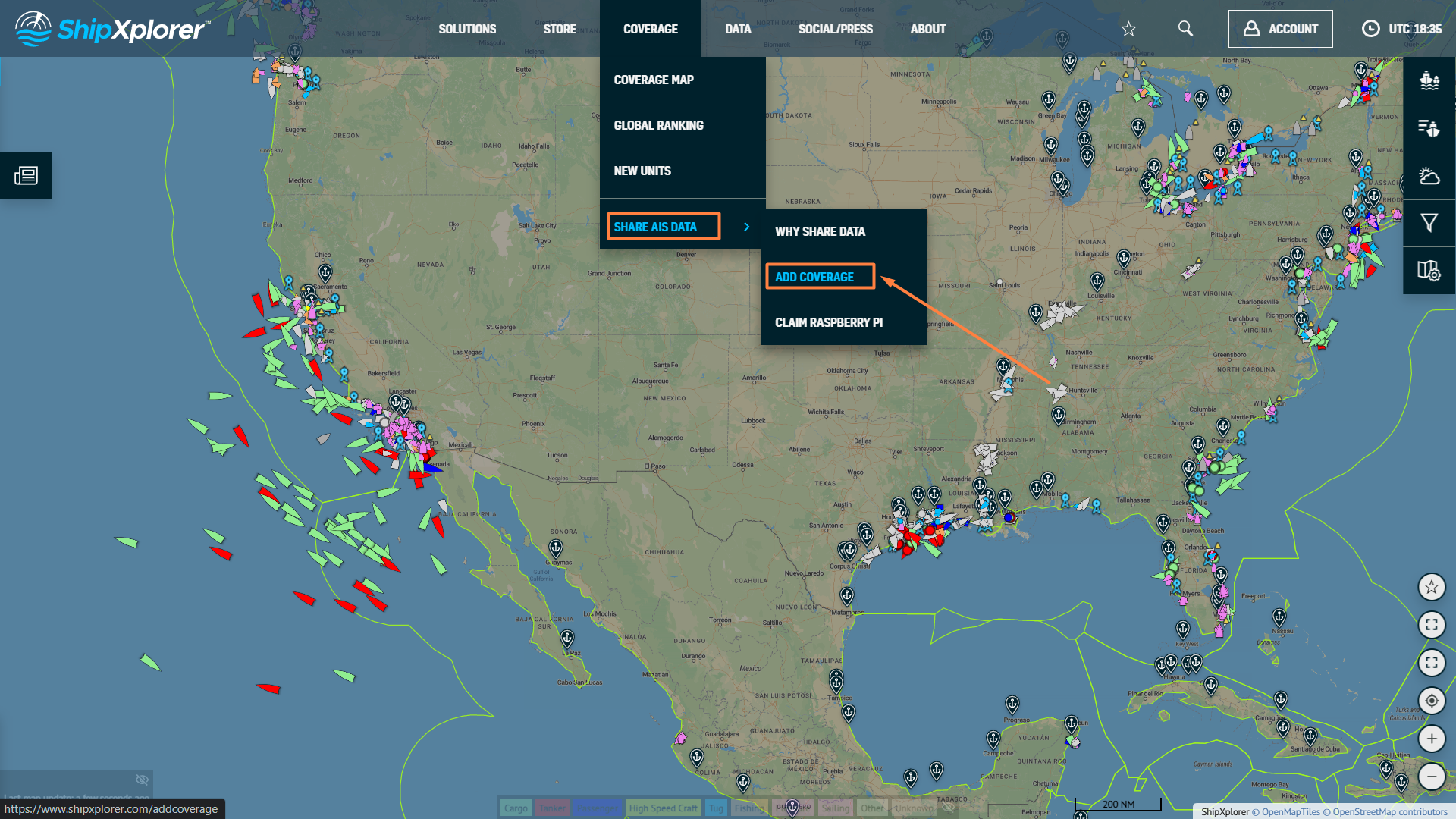
2026-03-24 17:05 UTCHow to share AIS data to ShipXplorer with AIS Dispatcher!
Did you know? You can now share AIS data with ShipXplorer? Read our blog to learn more!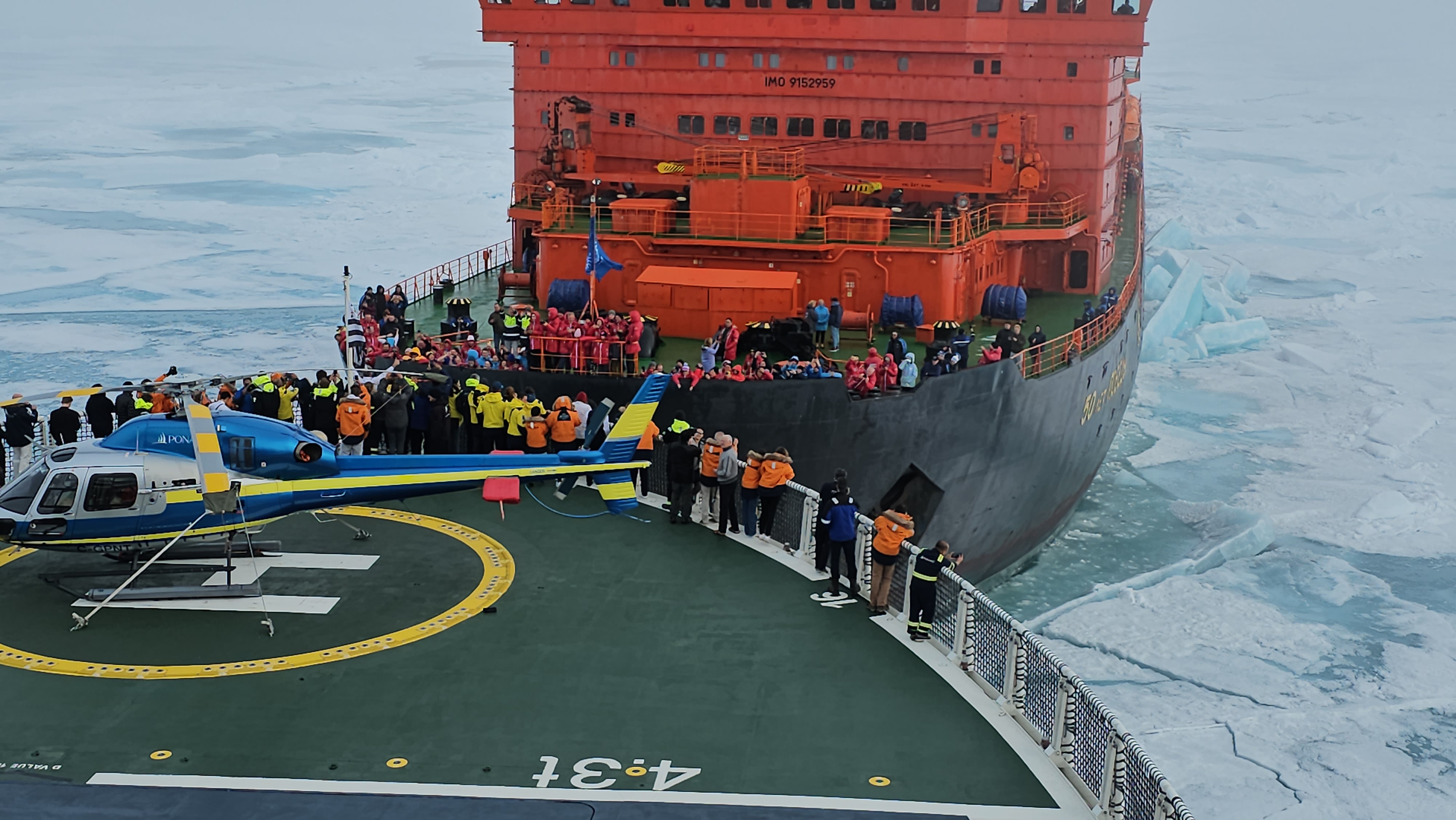
- arctic
- north-pole
- le-commandant-charcot
- north-pole-expedition
- 50-years-of-victory
- russia
- ukraine
- russian-ukrainian-war
- war
- peace
- ship
- blog
2023-07-21 16:37 UTCA Symbolic Encounter: Le Commandant Charcot and Russian Arktika-class nuclear-powered icebreaker 50 Years of Victory Extend a Message of Peace At the North Pole
Today, we have an extraordinary tale to share, one that unfolded amidst the awe-inspiring beauty of the Arctic. Against the backdrop of the Russia-Ukraine war, this encounter took on a profound meaning as the two ships exchanged waves of peace in the far reaches of the North Pole. Read about this symbolic moment on our blog!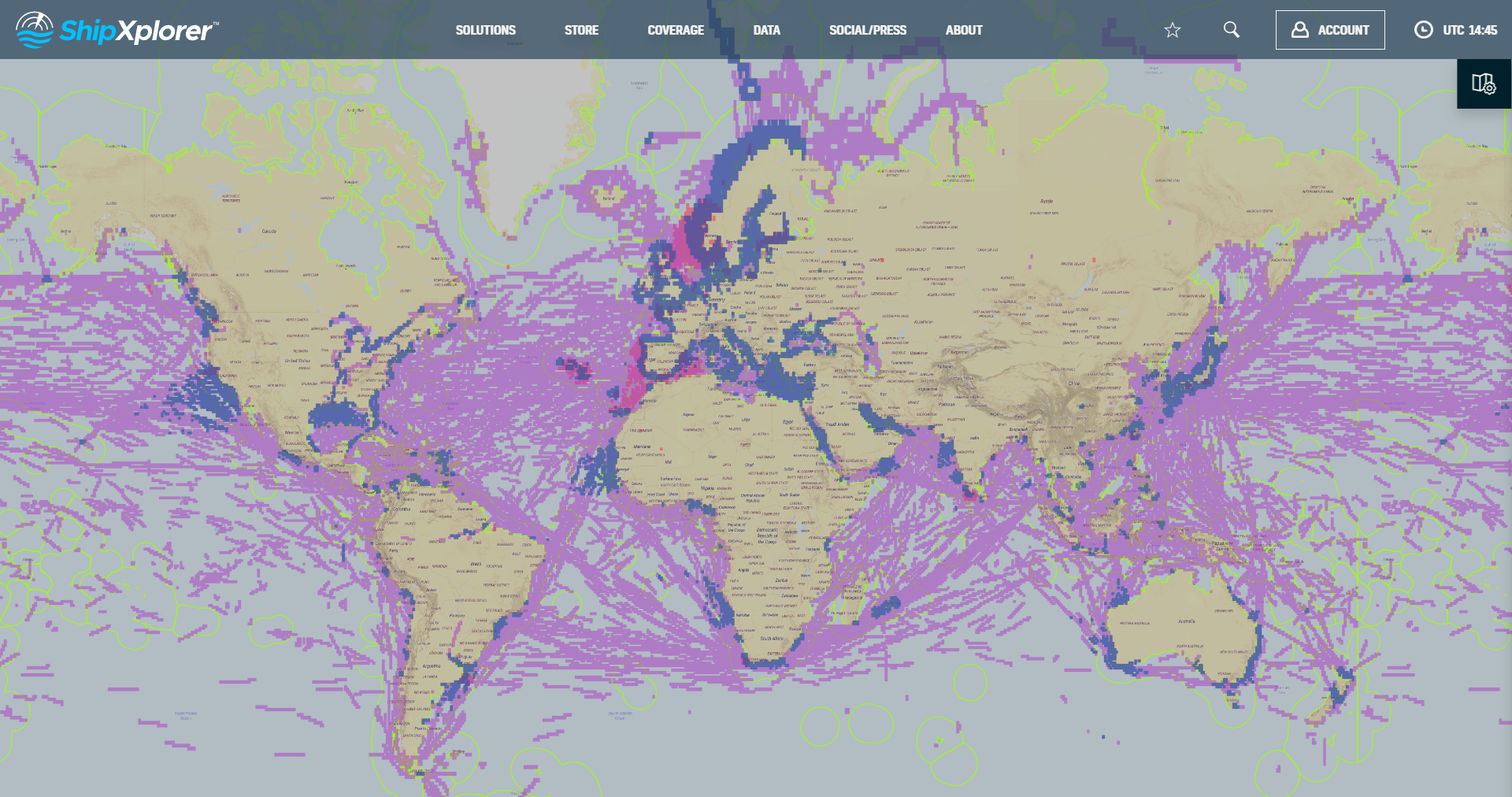
- shipxplorer
- ship-industry
- vessel-tracker
- ship-tracker
- ais
- hardware
- blog
2022-09-04 15:09 UTCSharing AIS data with ShipXplorer
Read our blog post and learn how to share AIS data and the benefits of being a ShipXplorer feeder.